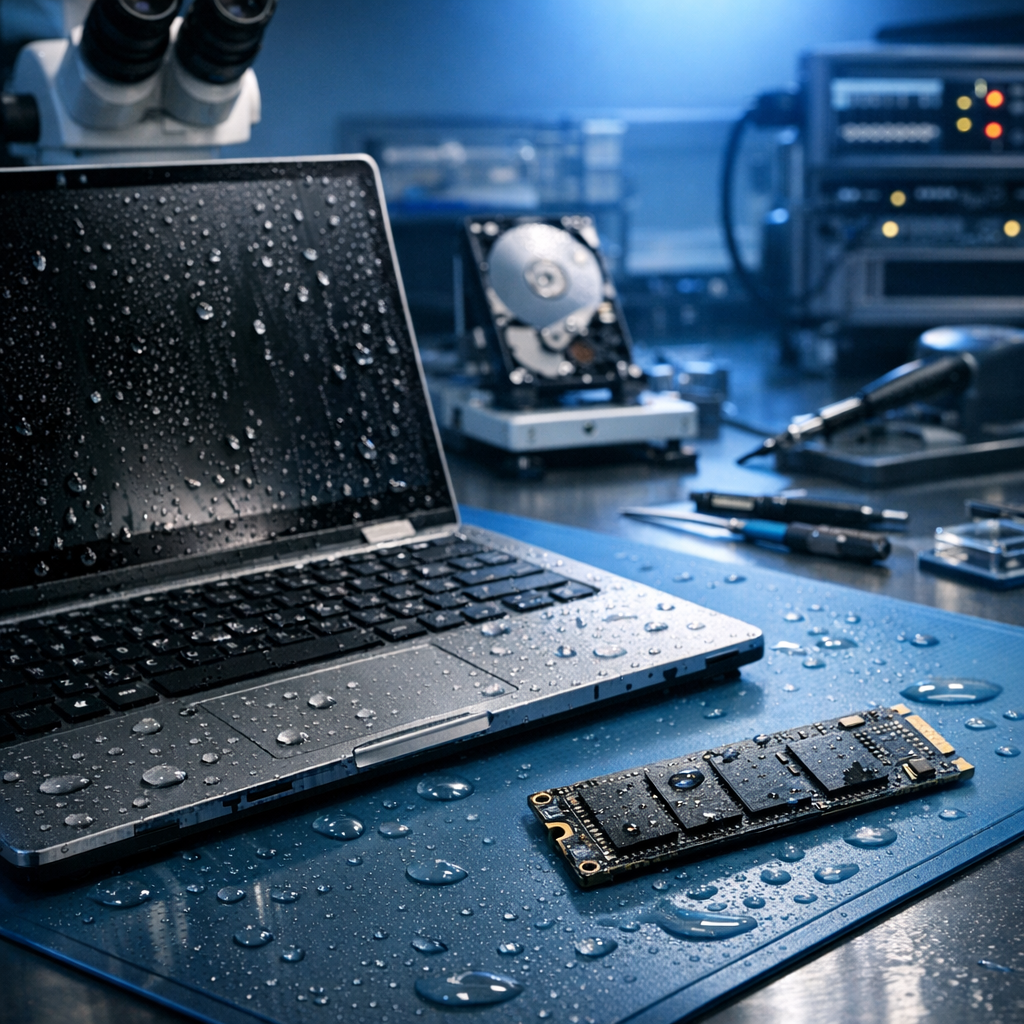
Yes—data recovery after water damage is often possible, but success depends on how quickly and carefully the device is handled. The most important rule: do not power it on.
Do not switch it on
Electric current can cause short circuits, corrosion, and permanent controller damage.
Avoid DIY drying
Rice, heat, hair dryers, and ovens can make recovery harder by leaving residue or warping components.
Act quickly
The faster the device is professionally cleaned and stabilized, the better the recovery chances.
How water damage affects storage devices
Water itself is not always the biggest problem. The real danger usually comes from minerals, salts, dirt, corrosion, and electrical shorts. Even clean tap water can leave conductive residues on circuit boards and connectors. Liquids such as coffee, soda, seawater, and floodwater are especially harmful because they contain contaminants that accelerate corrosion, which is why water damage recovery usually begins with controlled cleaning rather than simple drying.
Different storage media react differently. A traditional hard drive may need hard drive data rescue when electronics, mechanics, platters, or read/write heads are affected. SSDs, memory cards, and USB drives may have corrosion on the controller, NAND chips, or solder joints. In many cases, specialists can repair or bypass damaged components long enough to extract the data.
Is recovery likely?
Recovery chances are best when the device was not powered on after contact with liquid, has not been opened in an uncontrolled environment, and reaches a professional data recovery service quickly.
What you should do immediately
- Turn the device off and disconnect all power sources.
- Remove the battery only if it is designed to be safely removable.
- Do not charge, restart, or test the device.
- Do not apply heat or place the device in rice.
- Keep the device stable and send it to a data recovery professional.
What professionals do in a recovery lab
A professional recovery process usually starts with an assessment of the liquid exposure and device type. Technicians then clean affected electronics with proper solutions, inspect components under magnification, and test the storage medium using controlled procedures. For hard drives, this may involve cleanroom work. For SSDs and flash media, it may involve board repair, chip-level access, or controller-specific recovery techniques.
Hard drives
Possible issues include damaged PCB, seized spindle motor, contaminated platters, or read/write head failure. Cleanroom handling may be required.
SSDs and flash storage
Common issues include corroded contacts, damaged controllers, shorted components, and inaccessible NAND memory. Specialist tools may restore access.
Common mistakes that reduce recovery chances
Avoid these actions
- Turning the device on “just to check”
- Charging a wet phone or laptop
- Using a hair dryer, oven, heater, or direct sunlight
- Opening a hard drive outside a cleanroom
- Running recovery software before the hardware is stable
Can recovery software help?
Recovery software is only useful when the storage device is electronically stable and readable. After water damage, the priority is hardware safety. Running software on a damaged drive can cause additional read errors, overheating, or complete failure. If the data is important, a professional evaluation is the safer first step.
Conclusion
Data recovery after water damage is possible in many cases, but timing and handling are critical. Disconnect power, avoid DIY fixes, and do not attempt to restart the device. The sooner the storage medium is professionally cleaned and evaluated, the higher the chance of recovering valuable files.
Need urgent help with water-damaged storage?
Stop using the device and request a professional diagnosis before further damage occurs.
