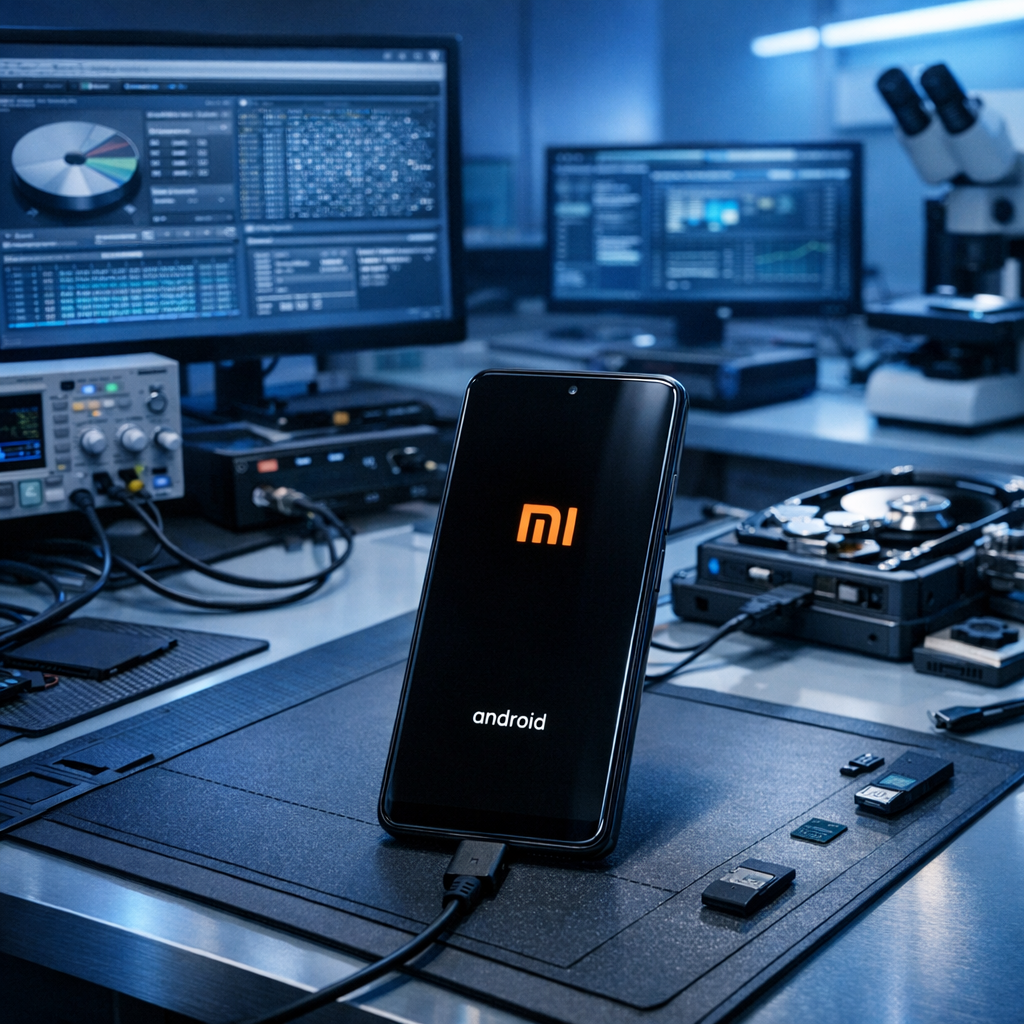
Android data recovery in Bootloop: What to do when a Xiaomi phone no longer starts
A bootloop on a Xiaomi, Redmi or POCO device can be stressful — especially when important photos, chats, documents or business data are still stored on the phone. This guide explains what causes bootloops, which steps are safe, and when professional Android data recovery is the better option.
Quick summary
- Do not factory reset the phone.
- Avoid flashing ROMs before data is secured.
- Keep the device charged but do not overheat it.
- Document error messages and MIUI/HyperOS behavior.
Bootloops are common on Android devices after failed updates, corrupted system files, storage issues, app conflicts or hardware-related faults. On Xiaomi devices, the situation can be especially delicate because the user data partition is usually encrypted. For a broader overview, see our Android data recovery service and the dedicated page for Xiaomi data recovery. The safest recovery strategy is to preserve the original data state and avoid any action that overwrites or reinitializes the phone.
Why Xiaomi phones get stuck in a bootloop
A bootloop means the phone repeatedly restarts or gets stuck on the Xiaomi, Redmi, POCO, MIUI or HyperOS logo. The device may vibrate, show the boot animation, restart again, or only open Recovery/Fastboot mode. The root cause can be software-based, hardware-based, or a combination of both.
Failed update
Interrupted MIUI/HyperOS updates can corrupt system components and prevent normal startup.
Storage problems
Full or degrading flash storage can trigger crashes during boot and block access to user data.
App or system conflict
System apps, launchers, security modules or malware can cause repeated startup failures.
Hardware fault
Water damage, board faults, battery issues or memory damage can mimic software bootloops.
Safe first steps before attempting Android data recovery
The goal is simple: keep the data partition unchanged. If the phone still reacts, these steps can help you assess the situation without immediately risking the data.
Charge and cool down
Use a reliable charger and let the device cool if it becomes hot. Heat can worsen instability and hardware stress.
Check boot modes
Note whether Recovery, Fastboot, Safe Mode or the normal boot screen appears. This information is useful for diagnosis.
Document everything
Write down the model, Android version if known, last update, visible errors, drops, water contact and previous repair attempts.
Stop repeated experiments
Every unsuccessful repair attempt can reduce recovery chances, especially if write operations are triggered.
What you should avoid on a bootlooping Xiaomi device
Many online tutorials focus on making the phone usable again. Data recovery has a different priority: preserving the existing data. Therefore, several common “fixes” are risky if the files are not backed up.
No factory reset
A reset deletes user data and can destroy the encryption context needed for recovery.
No ROM flashing
Flashing firmware may overwrite partitions and change the device state irreversibly.
No bootloader unlock
Unlocking often wipes data on modern Android devices and should not be used as a first step.
How professional Android data recovery works in bootloop cases
Professional recovery begins with a non-destructive diagnosis. The device condition, boot behavior, storage health and encryption status are evaluated before any repair attempt is made. In many cases, the objective is not to repair the phone for everyday use but to temporarily stabilize it enough to access and extract the data safely.
| Scenario | Typical symptoms | Recovery focus |
|---|---|---|
| Software bootloop | Logo restart, failed update, Recovery accessible | Preserve user partition and attempt safe access path |
| Storage instability | Random restarts, freezing, failed writes | Minimize device stress and image readable data areas |
| Mainboard fault | No stable boot, charging issues, heat, water damage | Board-level stabilization before logical extraction |
| Encrypted user data | PIN/password required, modern Android security | Maintain original security context and unlock conditions |
Can photos, WhatsApp chats and documents be recovered?
Recovery chances depend on the cause of the bootloop, the condition of the memory chip, the Android security configuration and whether destructive actions have already been performed. Photos, videos, WhatsApp data, contacts, downloads and app documents may be recoverable if the encrypted data remains intact and the device can be brought into a state where authentication and extraction are possible.
Checklist: Before sending in a Xiaomi bootloop device
- Write down the exact model, for example Xiaomi 13, Redmi Note series or POCO model.
- Keep the lock screen PIN, password or pattern available.
- Do not remove accounts or trigger remote erase functions.
- Describe the last event before the bootloop: update, drop, water contact, full storage or app installation.
- If possible, provide original charger/cable information and any previous repair history.
Conclusion
Android data recovery from a bootlooping Xiaomi device is possible in many cases, but the first decisions are critical. If the phone contains important data, avoid factory resets, bootloader unlocking and firmware flashing. A careful, non-destructive diagnosis gives the best chance of recovering valuable photos, chats and documents while preserving the encrypted data state.
Need help with a Xiaomi bootloop?
Stop risky repair attempts and get a professional assessment before the data is overwritten.
